
Your week, without opening the app
Put the weekly and monthly widgets on your home screen. Add or change an event and the widgets update right away.
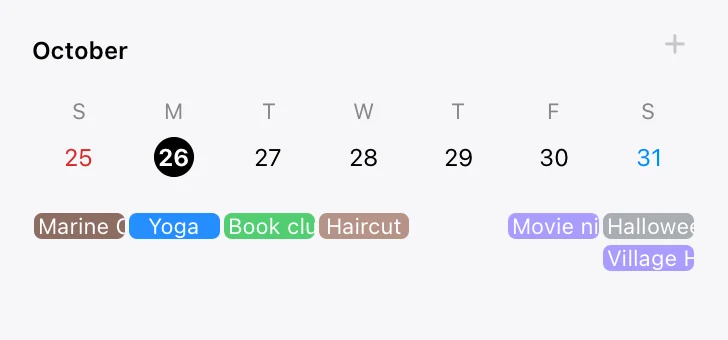 TimeOn
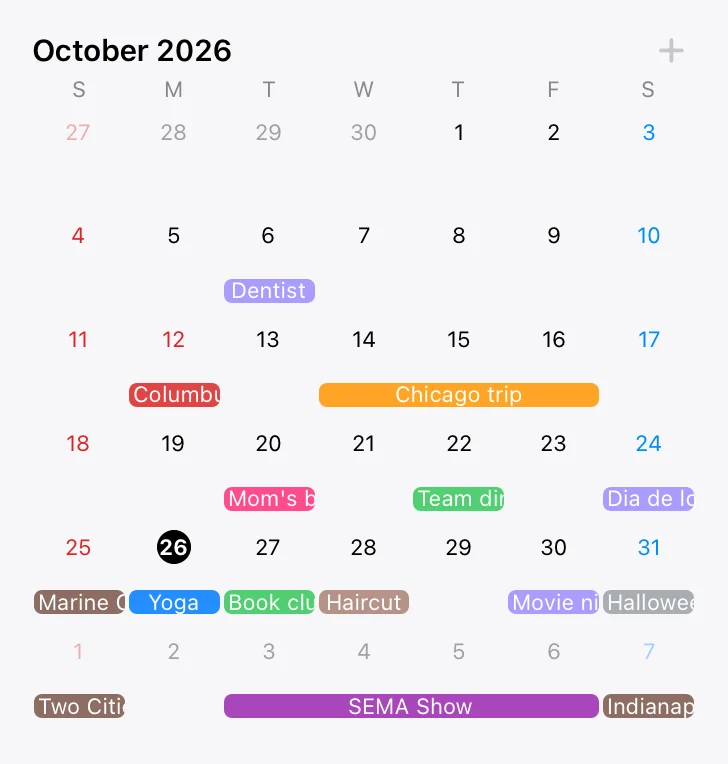 TimeOn
Tap +, type a title, done
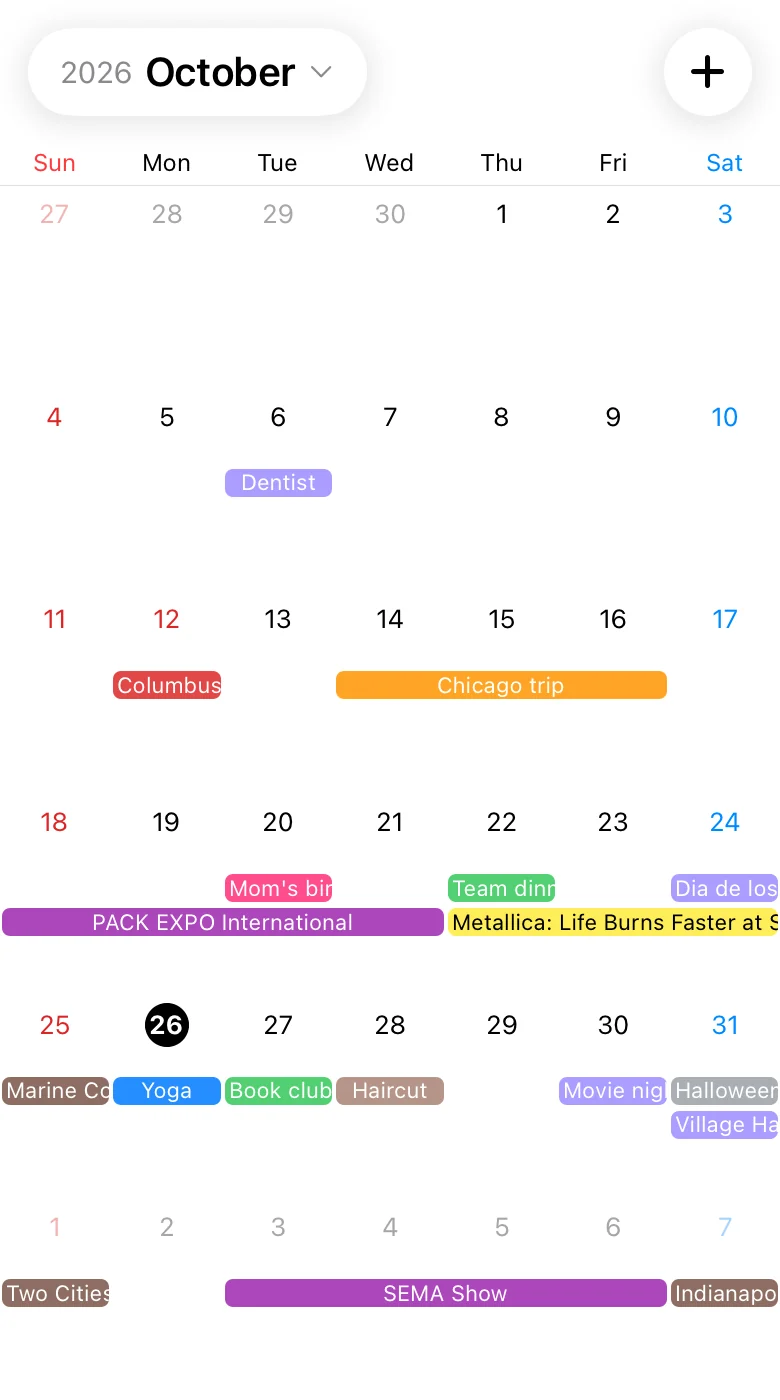
Only the features you need. Read the month at a glance in the calendar, or scroll the list to see what comes next. Public holidays sit right in the grid.
Concerts, festivals and marathons in your calendar
Turn on an event calendar and events happening around the country show up next to your own plans. Keep only the calendars you want, and filter them by region.
- Expo Schedule
- Performances & Concerts
- Marathon Competition
- Theater and Musicals
- National Festivals
Coming up
One calendar for your family, partner or team
Make a family calendar and a work calendar, and share each with different people. When someone adds an event, it appears in everyone’s calendar and widgets.
- Open the calendar’s settings and tap Invite.
- Show the QR code on screen, or send the link.
- They scan it with their camera or open the link, and they’re in.
Family

Also in TimeOn
- Public holidays in 12 countries
- Holidays for the US, South Korea, Japan, China, Germany and seven more countries are added for you, including substitute days.
- Repeating events
- Repeat weekly, monthly or yearly, then change or delete just one occurrence.
- Works offline
- Add and edit events with no connection. Everything syncs when you’re back online.
- iPhone and Android
- Sign in with the same account and both phones show the same calendars.
- 12 languages
- Pick the app’s language in settings, whatever your phone is set to.
- Lunar dates
- Show Korean lunar dates under each day and repeat events by the lunar calendar.
Questions
Is TimeOn free?
Yes. You can download it for free from the App Store and Google Play.
Do I need an account?
No. You can start right away. If you sign in with Apple or Google later, the events you already added stay where they are.
Where are my events stored?
On your phone first. When you sign in or share a calendar, it syncs with our server so your other devices and members see it too.
How long does an invite QR or link work?
For 7 days after you create it. If you remove a member, the invite links and QR codes you made up to then stop working too.
Get TimeOn
On a computer? Scan this with your phone’s camera to open the right store.